remove.bg vs DesignStub: Which Free Background Remover Should You Use?
The better choice depends on what you are editing: a portrait, a product photo or an image you don't want to upload to another server.
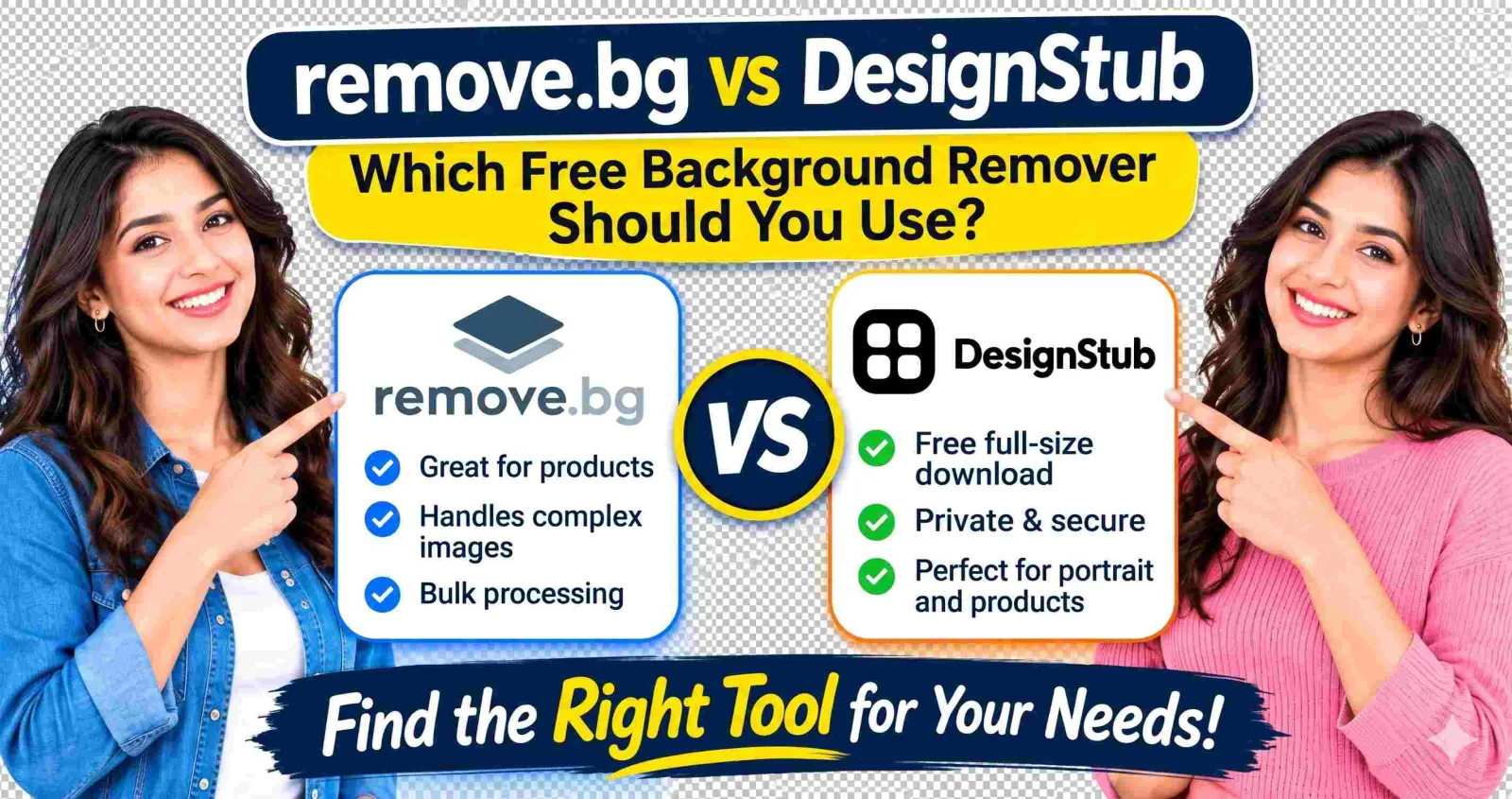
Both remove.bg and DesignStub can remove a photo background in a few clicks, but they work differently. We looked at their features, download limits, privacy and editing options to understand where each tool makes more sense.
The better choice depends on what you are editing: a portrait, a product photo or an image you don't want to upload to another server.
Quick verdict
Choose remove.bg
Best for complex images
Use it for product photographs, pets, detailed edges, hair-heavy images and bulk processing. It has broader subject support and professional integrations.
Choose DesignStub
Best for free editing
Use it for portraits, personal photos, private images and free downloads without a resolution-based credit system.
How do remove.bg and DesignStub work?
The biggest difference is where the background removal happens.
remove.bg: Cloud-based processing
When you upload a photo to remove.bg, the image is sent to its servers. Its AI identifies the foreground subject, separates it from the background and prepares the result for download.
This approach has an advantage: the processing does not depend as heavily on your computer's processing power.
It also makes remove.bg suitable for professional workflows. Developers can connect its API to their applications, while businesses can use its desktop applications and integrations for larger image-processing tasks.
DesignStub: Browser-based processing
DesignStub takes a different approach. Its AI model runs inside your browser instead of sending your photograph to a remote server.
You select an image from your computer or phone, and the browser handles the background removal. The resulting PNG or JPG is also created locally.
This has two practical benefits:
Your photograph does not need to leave your device.
You don't need an account, subscription or image credits to download the result.
The trade-off is that processing performance depends on your device and browser. The first use can also take longer while the AI model loads.
remove.bg vs DesignStub: Feature comparison
Feature | remove.bg | DesignStub |
|---|---|---|
Free download resolution | 0.25 MP | Full-size download |
Full-resolution download | Paid credits | Free |
Account | Optional for basic use | Not required |
Watermark | No watermark on standard output | No watermark |
Image processing | Cloud servers | Browser |
Photo privacy | Uploaded for processing | Stays on device |
Portrait removal | Yes | Yes |
Hair details | Broad subject support | Primarily portrait-focused |
Pet removal | Yes | Not its main focus |
Product removal | Yes | Not its main focus |
Bulk processing | Yes | No dedicated bulk workflow |
API | Yes | No |
Background formats | PNG and other formats | PNG and JPG |
Commercial usage | Paid eligible plans | Permitted |
The main distinction is not simply which tool removes backgrounds. It is what you get after the removal and what you have to pay for it.
remove.bg has a more developed professional ecosystem. DesignStub offers a simpler free workflow for everyday portrait editing.
Side-by-side background removal test
A proper comparison should use the exact same original photograph in both tools. Otherwise, differences in lighting, image quality and subject position can make the results misleading.
We would use three photographs to evaluate the tools.
Editorial note: The following are test scenarios, not measured benchmark results. We have not run the same three original files through both services, so we are not presenting invented before-and-after images or claiming a verified winner for each test. Add the actual six output images before publishing this section.
Test 1: Regular portrait photograph
A regular portrait is the most straightforward background removal task. The subject is clearly visible, and the background is easy to distinguish.
What we would check:
Are the hair and shoulders preserved?
Are any parts of the clothing missing?
Are there unwanted pixels around the body?
Does the result look natural on a different background?
Expected comparison: Both tools should be capable of producing a usable result when the original photograph has good lighting and clear subject separation. We would need identical input files to determine which produces cleaner edges.
Test 2: Curly hair
This is a more difficult test. Curly hair, loose strands and animal fur contain many small details that background removal models can struggle to separate.
What we would check:
Are individual hair strands preserved?
Does the fur look natural?
Are there visible background fragments?
Does the subject have an artificial-looking outline?
Expected comparison: remove.bg is the stronger candidate to test first because it explicitly supports people and animal subjects. DesignStub is primarily designed for people photographs, so pet removal is not its main use case. This is a capability distinction, not a measured quality score.
Test 3: Product photograph
Product photographs are common in e-commerce. A clean cutout can make it easier to create product listings, catalog images and promotional graphics.
What we would check:
Are the product edges clean?
Are transparent or reflective areas preserved?
Are shadows handled naturally?
Is the product shape distorted?
Expected comparison: remove.bg is the more established choice for this type of work. Its API explicitly supports product detection and other non-human subjects. DesignStub's published page says it works best on photographs of people, so I would not choose it as the first option for a large product catalogue.
Price and download resolution
This is where the difference becomes particularly important.
How much does remove.bg cost?
remove.bg offers free background removal, but there is a resolution restriction.
Its free website downloads are limited to 0.25 megapixels. For example, a 625 × 400 pixel image is approximately 0.25 MP.
That is sufficient for a small preview, but it can be limiting if you want to use the image in a large design or print project.
For full-resolution downloads, remove.bg uses image credits. One credit is generally required for one high-resolution image. Its free account also offers one bonus credit to test a high-resolution download.
You can check the current options on the official remove.bg pricing page.
How much does DesignStub cost?
DesignStub is free.
You can upload a photograph, remove its background and download the result without purchasing credits or subscribing.
There is no 0.25 MP free-preview restriction advertised on its tool page. It offers PNG and JPG downloads without a watermark.
You also don't need to register or provide payment information.
For someone who regularly edits personal photographs and wants full-size downloads without paying for each image, this makes a practical difference.
Which tool is better for photo privacy?
This is an important consideration when working with personal photographs.
Think about the types of images you might edit:
Passport and ID photographs.
Children's photographs.
Family pictures.
Private portraits.
Client photographs used for professional projects.
DesignStub processes images locally in your browser. According to its privacy policy, photographs and downloaded designs are not uploaded to its servers.
remove.bg also has privacy safeguards. It uses encrypted transfers and says uploaded photographs and processed results are deleted within approximately one hour. However, the image still has to be transferred to its servers for processing.
You can also use the transparent image in other editors if you want more advanced design controls.
Use remove.bg if…
You regularly remove backgrounds from product photographs.
You work with animals, cars and different types of objects.
You need bulk background removal.
You want API access or professional integrations.
You need a dedicated background removal workflow.
Use DesignStub if…
You mainly remove backgrounds from portraits.
You want free, full-size downloads.
You don't want to purchase image credits.
You prefer not to upload personal photographs.
You want to change the background or use your cutout in another design.
You don't want to create an account.
Frequently Asked Questions
1. Is DesignStub really a free background remover?
Yes. DesignStub offers free background removal and downloads without subscriptions, image credits, registration or watermarks. Its tools are supported by advertising.
2. Is my photo uploaded when I use DesignStub?
No. The background removal process happens inside your browser. Your original photograph stays on your device and is not uploaded to DesignStub's servers.
3. Why do hair edges sometimes look softer after background removal?
AI background removers estimate which pixels belong to the subject and which belong to the background. Fine hair strands can blend into the original background, making them difficult to separate. Better lighting and contrast usually help.
4. Can I use the background-removed image commercially?
DesignStub's terms permit personal and commercial use. remove.bg restricts free and no-account outputs to non-commercial use; eligible paid plans allow commercial use. Always check the applicable terms before using images in commercial projects.
Try DesignStub's Free Background Remover
If you mainly edit portraits and want to download transparent PNG without paying for credits, give DesignStub a try.