Diwali Prompt for Girl in Saree with Sparkler and Fireworks

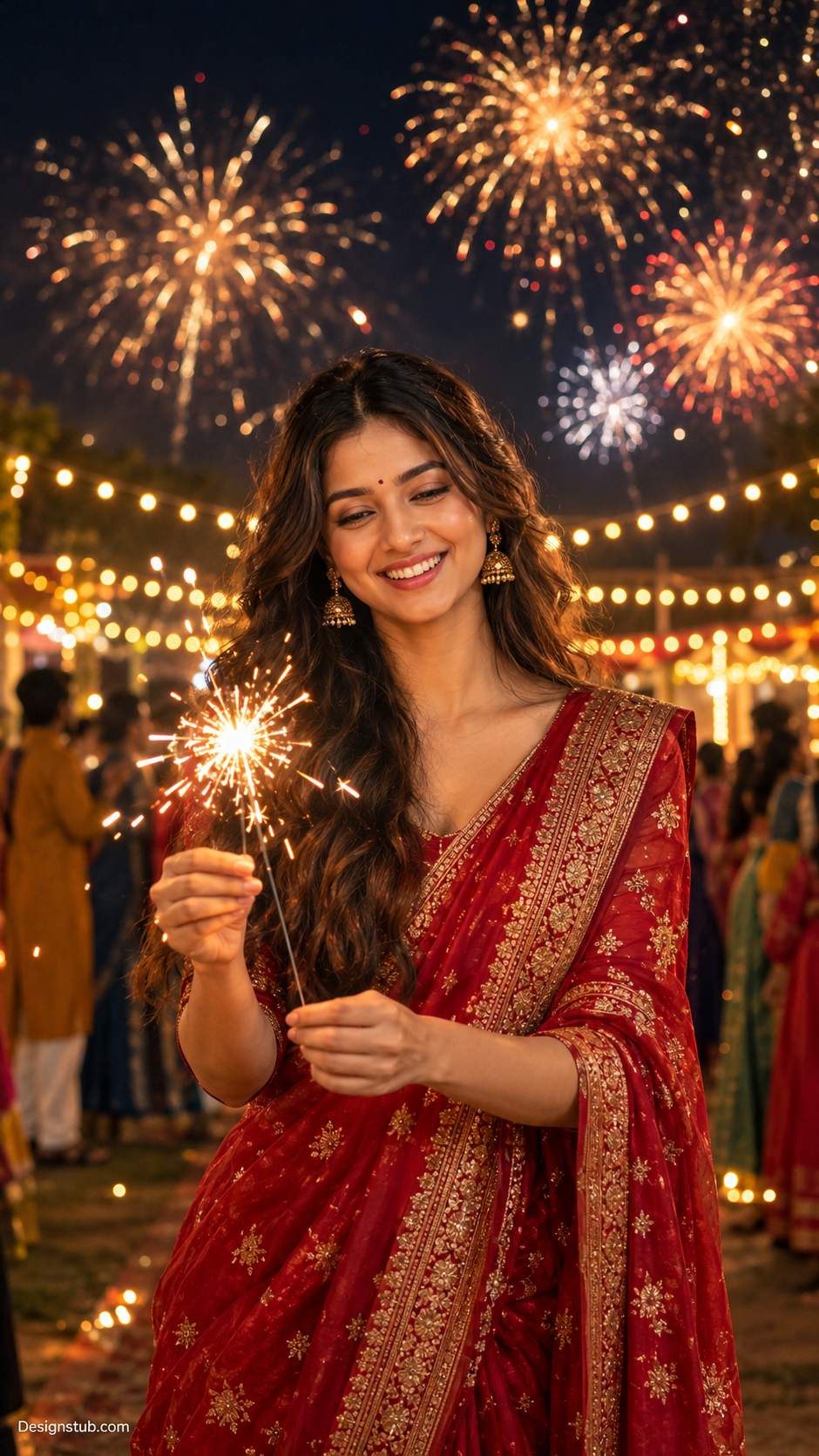
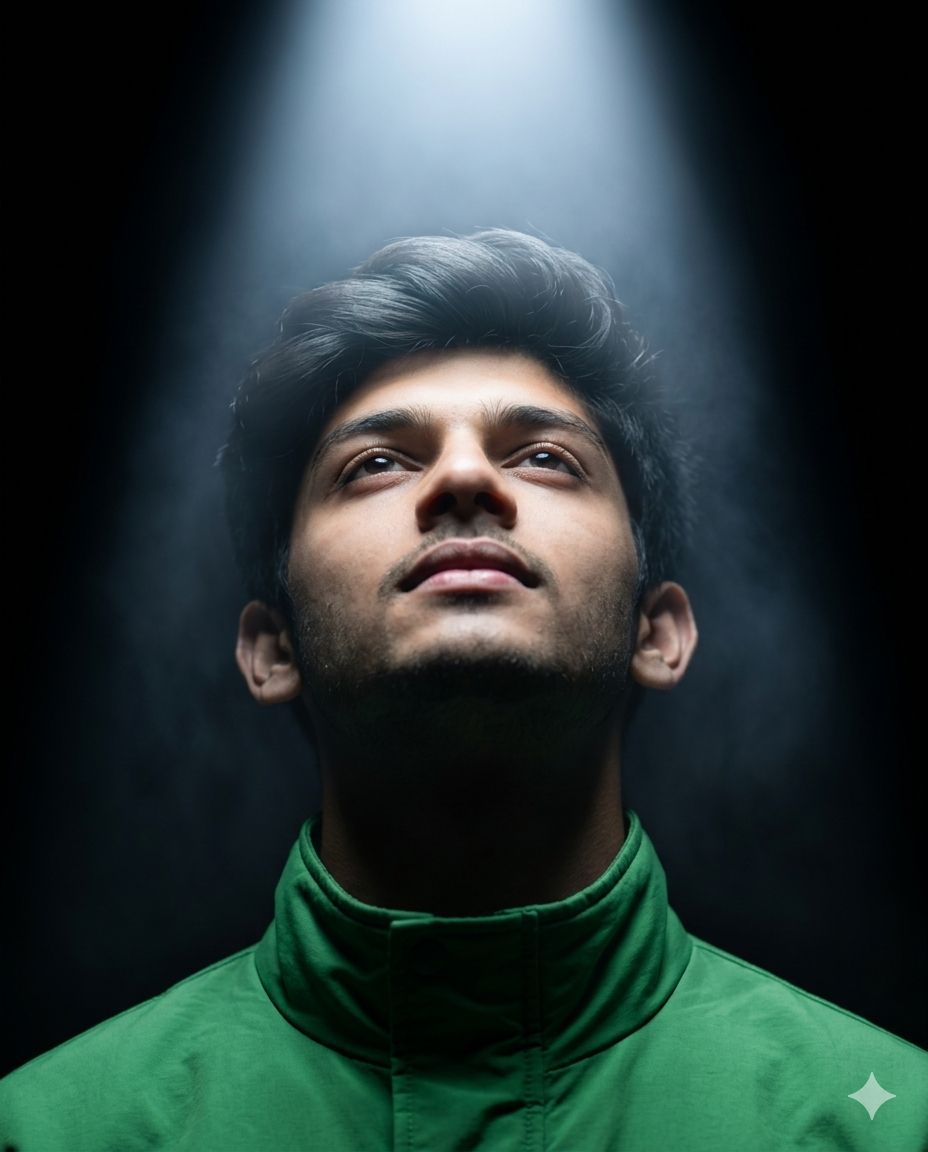
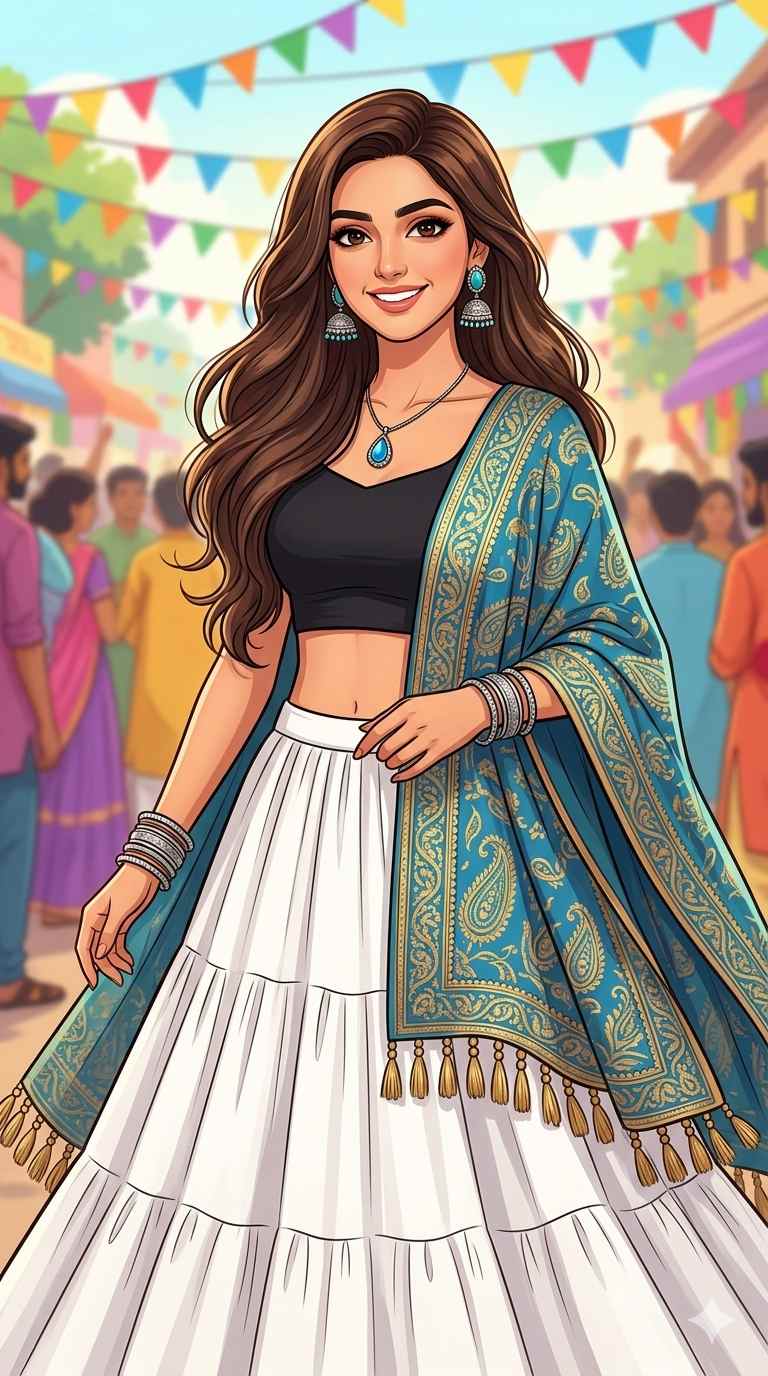
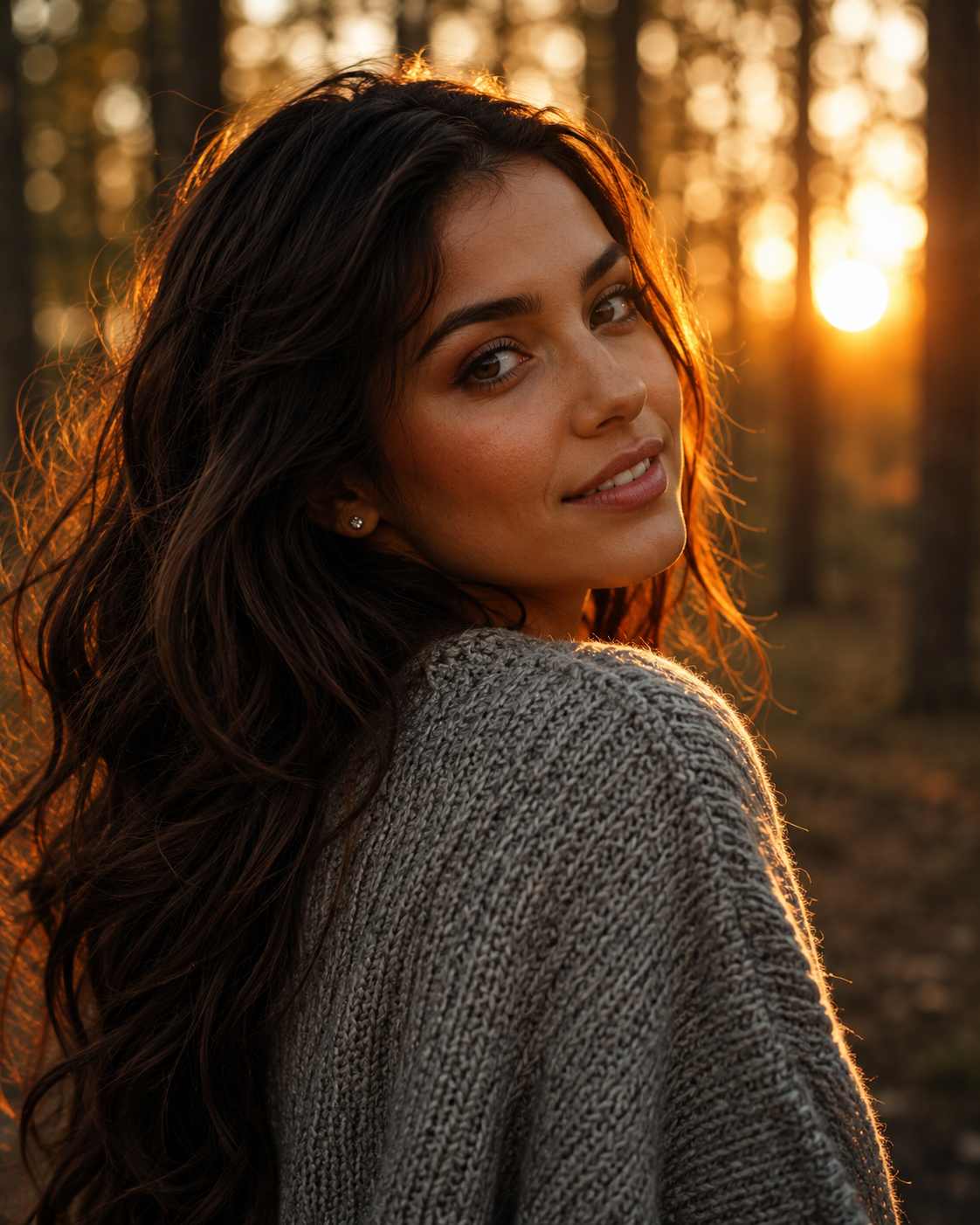
This prompt turns your photo into a laughing, candid festival night portrait. You hold a glowing sparkler, fireworks burst overhead, and rows of warm string lights shimmer behind you. Copy it, paste it into Gemini or ChatGPT with your own photo, and you get a shareable Diwali-style image in one generation.
Best result with: ChatGPT
How to Use This Festival Prompt
- Open Gemini or ChatGPT and start a new chat.
- Upload a clear, front-facing photo of yourself.
- Paste the full prompt in the same message and send it.
- Check the face match, the outfit and the sparkler. If something is off, regenerate once or twice, because small differences between generations can change the result a lot.
- Ask for one change at a time, such as “make the kurta maroon,” then download the final image in 9:16.
Tips for a Better Result
Start with a bright, sharp reference photo where your face is fully visible. Sunglasses, hats and heavy filters make the face match less accurate. If the sparkler looks weak, add “bright golden sparks flying outward” to the prompt. If the expression looks stiff, add “candid, mid-laugh expression.” Hands holding a sparkler can come out strange, so if the fingers look wrong, regenerate instead of trying to fix them with more words. You can also change the kurta color to match your own festival outfit without touching the rest of the prompt.
Who This Festival Prompt Suits
This prompt is for anyone who wants a fun, natural festival portrait instead of a stiff, posed one. It works well for Instagram posts and Reels covers, WhatsApp DPs and Status images, and for bloggers and page owners who need warm festive visuals. It also suits people who prefer a laughing, candid mood to a formal look.
What Makes This Festival Style Work
The prompt follows a clear order: subject, action, setting, lighting, camera, then finish. Because each part is described separately, the AI gets less room to guess. The sparkler does most of the work. It acts as a natural light source, so the glow on her face feels real, not added afterward. The dark sky makes the fireworks and string lights stand out, and the shallow depth of field keeps attention on her face. The emerald-green outfit also pops against all the gold and orange. You can reuse this structure for other festivals by keeping the same order and swapping the outfit, props and background.