Happy Dussehra 2026 AI Photo Prompt For Girls
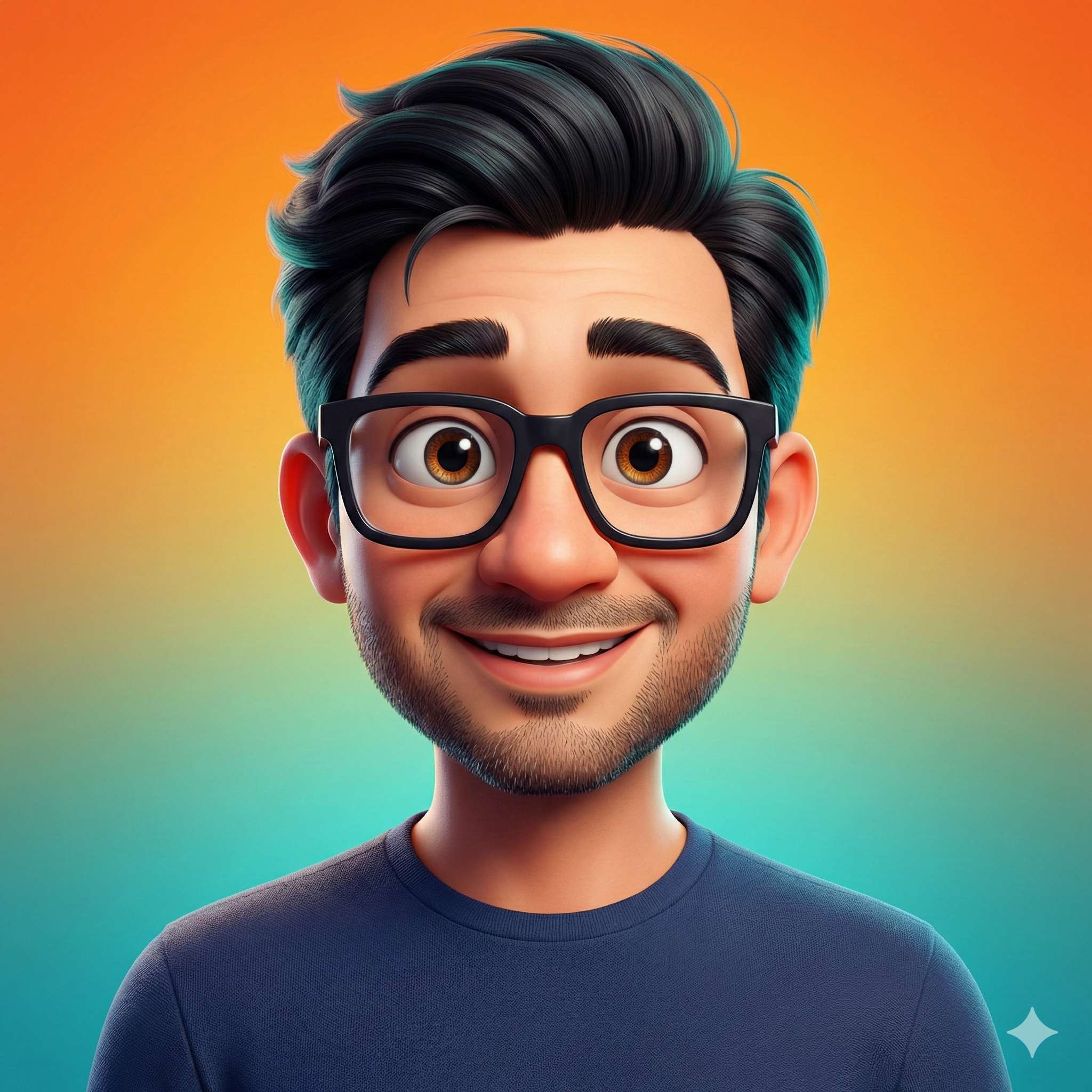
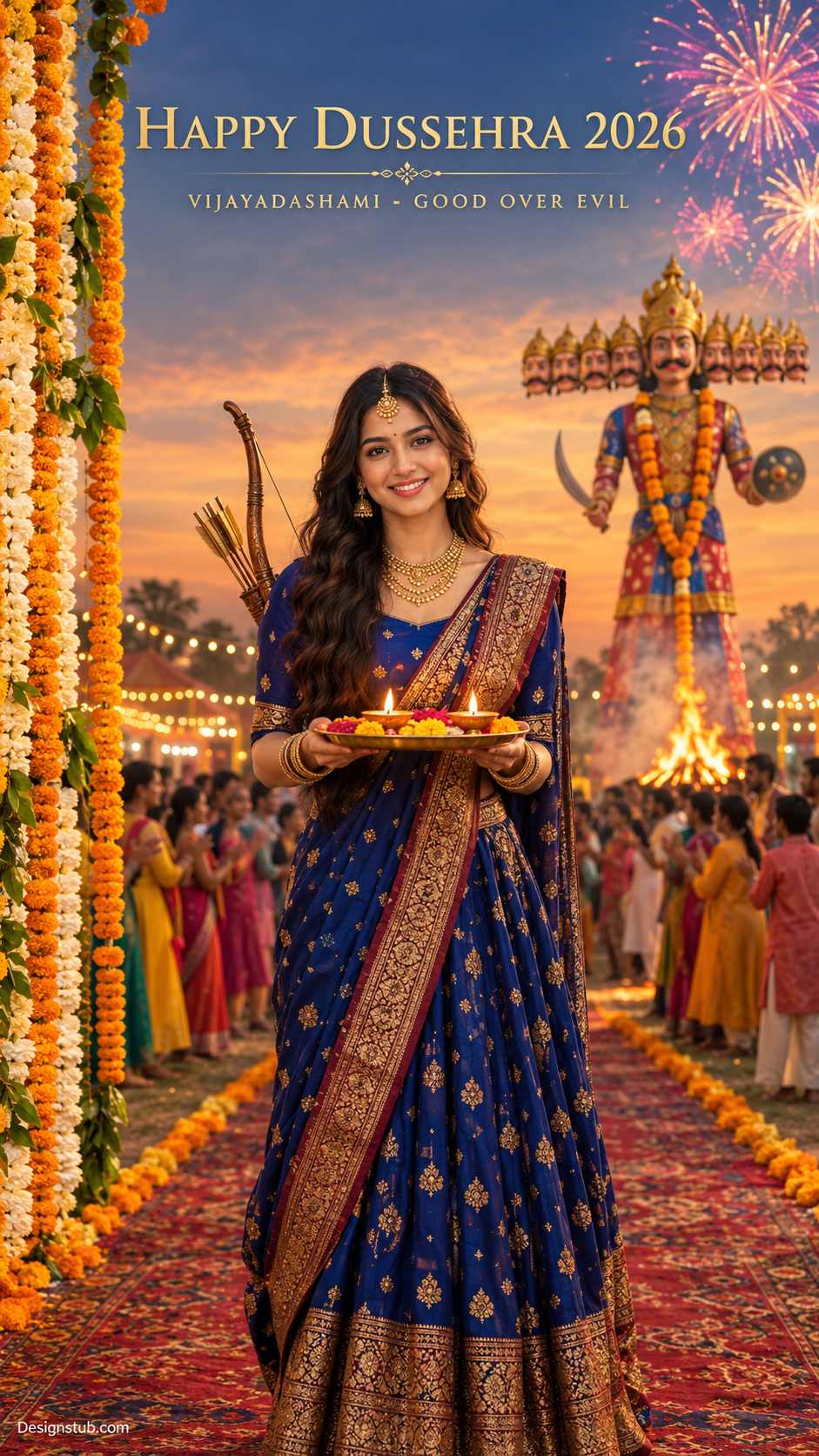
Dussehra is the perfect time to turn your own photo into a festive greeting poster. With this prompt, you can create a cinematic Vijayadashami portrait. It works well for WhatsApp Status, Instagram Stories and Reels. You’ll get the full copy-paste prompt, a step-by-step walkthrough and tips for getting clean results.
Best result with: ChatGPT
What Makes This Photo Work
Before you generate anything, it helps to know why this image looks so good:
- A front-facing, smiling portrait. The subject looks straight at the camera, so the image works as a personal festival greeting.
- A rich color palette. The deep blue lehenga-saree with a gold zari border stands out against the warm orange sky.
- Symbolic props. A puja thali with lit diyas and marigold petals, plus a bow and arrow over the shoulder, represent Vijayadashami and the victory of good over evil.
- A layered background. A garlanded Ravan effigy, marigold and jasmine garlands, an ornate carpet runway edged with flowers, a clapping crowd and a small bonfire give the scene depth.
- Golden-hour lighting with fireworks. The sun glows behind the subject while fireworks burst in the top corner.
- Clear gold text. “HAPPY DUSSEHRA 2026” in an elegant serif font, with a smaller subtitle, makes it ready to share.
What You Need Before You Start
- A clear, front-facing photo of yourself. Good lighting, no sunglasses and no heavy filters. The AI uses it as the face and skin tone reference.
- An AI image tool. Gemini or ChatGPT both work.
- Optional: a text editor app such as Canva, if you want to add or fix the greeting text yourself afterward.
Step-by-Step Tutorial
Step 1: Upload Your Reference Photo
Open Gemini or ChatGPT and upload your photo first. The prompt tells the AI to take your facial character and skin tone from this image, so make sure it’s attached before you paste anything.
Step 2: Paste the Prompt
Copy the full prompt from the next section and paste it into the chat with your photo attached.
Step 3: Generate and Check the Result
Look closely at these four things:
- Does the face match your reference photo?
- Is the text spelled correctly?
- Do the hands holding the thali look natural?
- Is the watermark visible in the bottom-left corner?
Step 4: Refine
If something is off, ask for one change at a time. For example: “Keep everything the same, but make the lehenga maroon,” or “Fix the text spelling exactly as written.”
Step 5: Download and Share
The image is created in 9:16, which is the perfect ratio for Reels, Stories and WhatsApp Status. Download it and post.
Customization Ideas
- Change the outfit color. Try red, emerald green, maroon or saffron instead of royal blue.
- Swap the text. Replace the year or greeting, or add a name, for example: “Happy Dussehra from Priya”.
- Go male. Replace the outfit description with a cream or maroon kurta, a bandhgala jacket or a turban, and keep the bow and arrow.
- Make it a night scene. Change the sky to a dark night with bigger, brighter fireworks and a stronger bonfire glow.
- Make it a group portrait. Upload a family photo and ask for everyone to stand together on the carpet runway.
Tips for Better Results
- Use a well-lit reference photo. A sharp, front-facing selfie gives the best face match.
- Put exact text in quotes. AI tools spell text more accurately when you tell them to write it exactly as shown.
- Keep the greeting short. Long sentences are more likely to get garbled.
- Regenerate if the hands look odd. Holding a thali is tricky, and a second or third try often fixes it.
- Fix text later if needed. If the AI keeps misspelling a word, remove the text from the prompt and add it yourself in Canva.