Wedding Photo Collage Templates
Turn your wedding photos into one beautiful keepsake. Choose from elegant name-and-date grids, a 'Happily Ever After' design with an arch portrait, a LOVE collage, a love-story layout and big-date designs that also suit anniversaries. Pick one, add your photos and download it in HD, with no sign-up and no uploads.
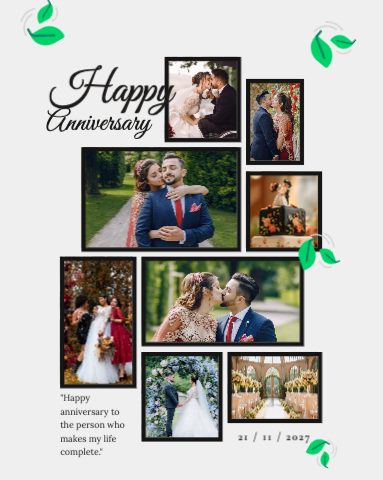 Edit this template Anniversary Wedding Collage
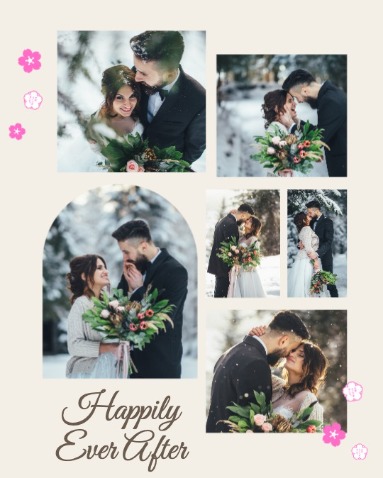 Edit this template Happily Ever After Collage
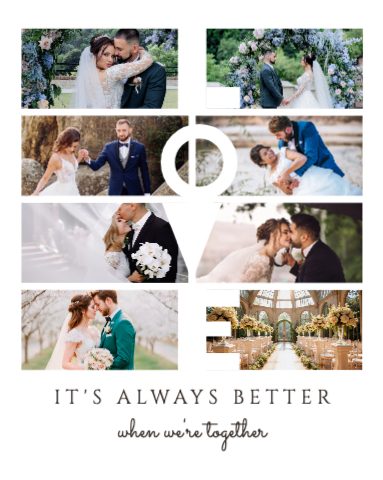 Edit this template Better Together Love Collage
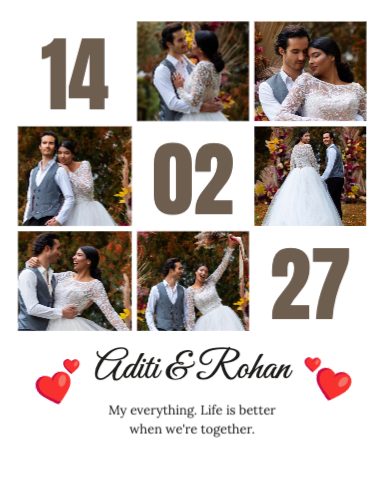 Edit this template Our Date Love Collage
Click any design to open it in the free Collage Maker. Free · No sign-up · Your photos never leave your device.
Design tips
Start with your best portrait
Put the couple's strongest photo in the biggest frame or the arch. It sets the mood for the whole collage.
Mix close-ups and wide shots
Combine smiles and details (rings, bouquet, mehndi) with wide shots of the venue and guests.
Keep the colours calm
Soft neutrals and black-and-white photos look timeless. Apply the same filter to every photo for a clean album look.
Add names and the date
A short line like 'Aarohi & Vivaan · 07.12.2027' turns the collage into a keepsake worth printing.
Frequently asked questions
What size should a wedding collage be for Instagram?
A square 1080 × 1080 px collage works for posts, and you can switch to 4:5 (1080 × 1350) or a 9:16 story in the Collage Maker without starting again.
Can I print my wedding collage?
Yes. Download it as a high-quality PNG or JPG, or switch the size to A4 for a print-ready version.
Are my wedding photos uploaded anywhere?
No. Everything happens in your browser, so your photos never leave your device.